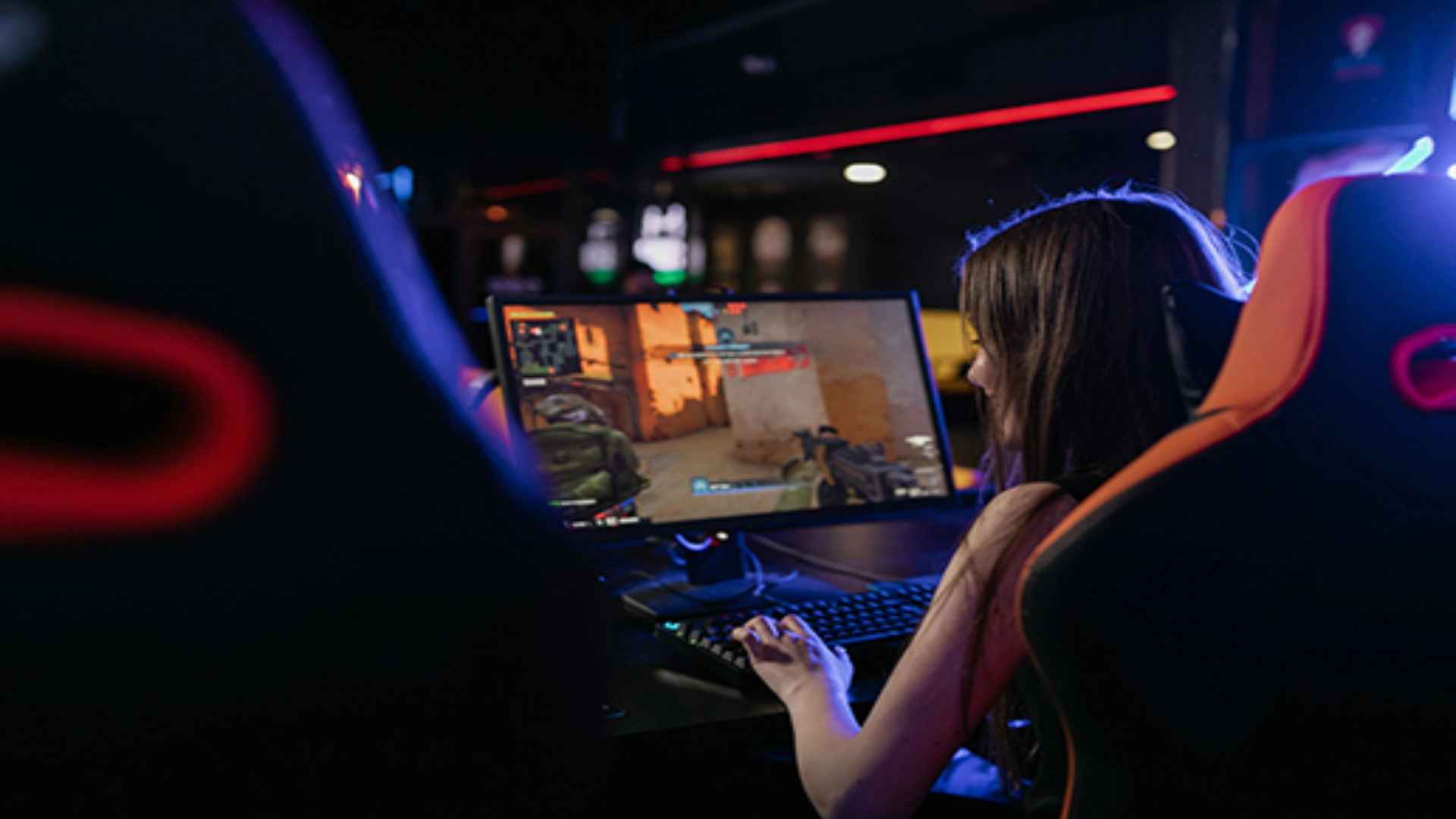
It Takes Two is widely celebrated for its innovative cooperative gameplay, designed specifically to be experienced in a shared dynamic environment. Setting up a seamless split-screen session on modern platforms requires properly configured input devices and display settings before diving into the adventure. Whether you are sitting on the couch together or managing a local PC setup, understanding the initial steps ensures a smooth gaming session without technical hitches.
Preparing Your Hardware and Controllers
Before launching the game, you must connect all necessary input devices to your system. Modern consoles recognize controllers automatically, but PC players need to ensure at least one gamepad is connected since two players cannot share a single keyboard. Verifying that Windows or your console interface registers both controllers beforehand prevents input mapping glitches during character selection.
Navigating the Main Menu for Local Co-Op
Once your hardware is configured, open the game and select the option for local play from the main menu. Both players will enter a character selection screen where Cody and May can be assigned to each user. Following a proper guide helps streamline the configuration process so both participants can start playing immediately.
Optimizing Display and Graphics Settings
Running cooperative split-screen natively puts additional strain on system hardware because two viewpoints are processed simultaneously. Setting your display mode to borderless windowed on PC setups generally improves stability and prevents sudden screen tearing. Adjusting graphics quality slightly lower ensures fluid frame rates during intense action sequences or platforming sections.
Troubleshooting Common Local Multiplayer Issues
If the game fails to recognize a second controller, fully disconnect all gamepads and reconnect them one by one. Restarting the game client often clears lingering controller binding conflicts across Steam or third-party launchers. Taking a few minutes to verify audio and visual configurations beforehand provides an uninterrupted cooperative journey.